What the wallet holds
The wallet holds three balances: deposited funds, bonus credit, and winnings. Each balance has its own play-through threshold and its own withdrawal rules. The deposited balance is withdrawable at any time. The bonus credit is locked to the bonus terms. The winnings balance is withdrawable after the platform's verification queue has cleared.
What the verification desk asks for
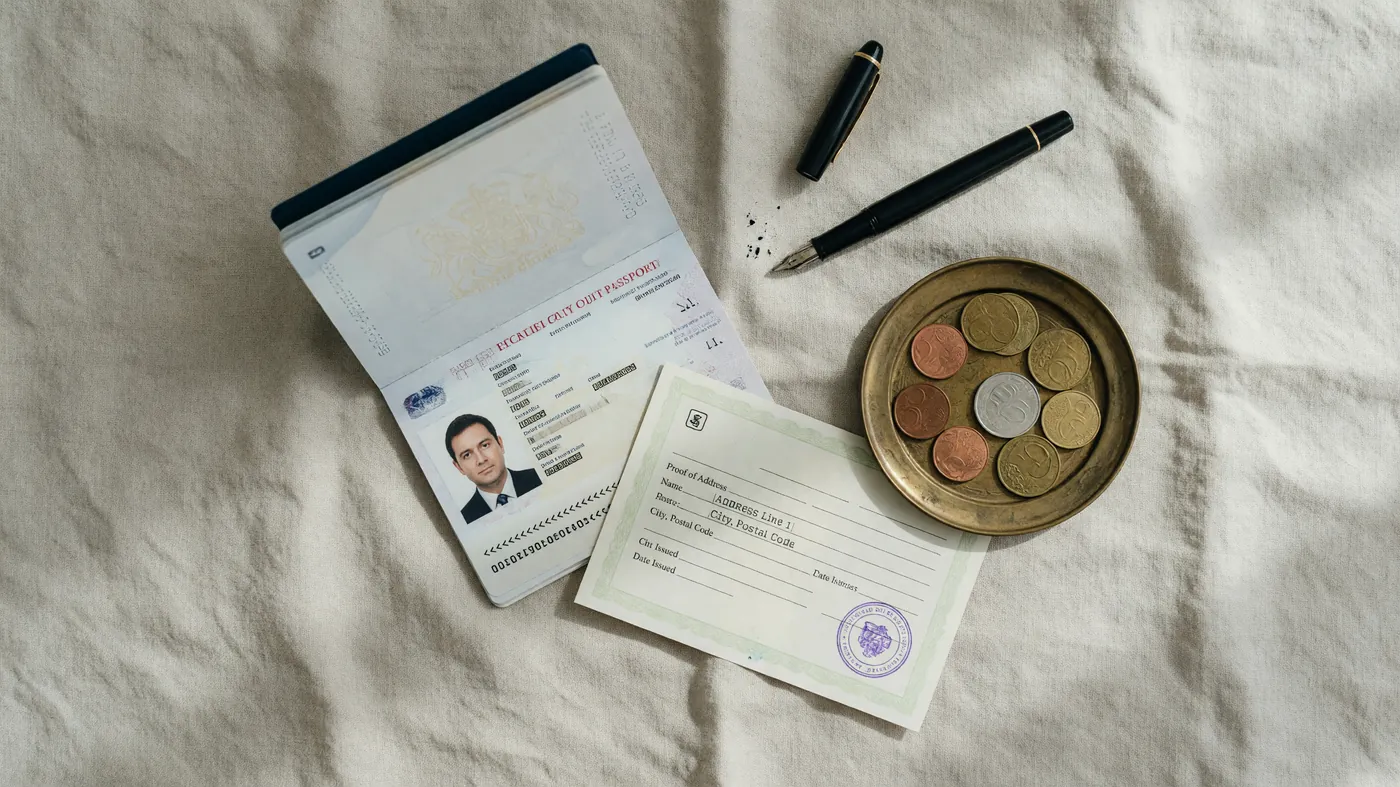
The verification desk asks for the same three documents on every well-run platform: identity, address, and payment instrument. The order matters. The walk-through below is the order the desk recommends.
Step 01: identity document
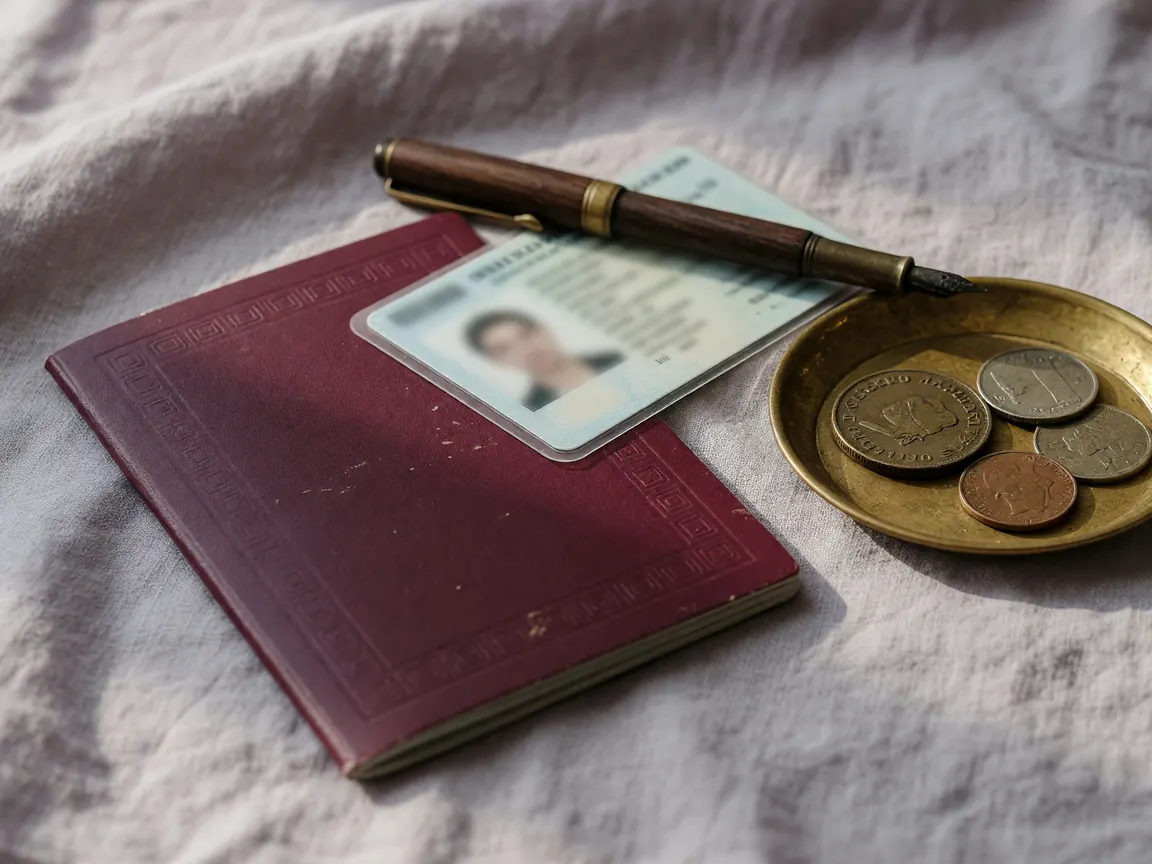
One government-issued photo identity. Passport, voter ID, driver's licence, or Aadhaar (last four masked). The name must match the account name exactly. A masked Aadhaar is accepted at most platforms but not all; check the platform's upload form before you redact.
Step 02: address document
A document showing the residential address, dated within the last three months. Utility bill, bank statement, rental agreement. A mobile bill is usually accepted. A PO box is not. The address must match the address on the account profile.
Step 03: payment instrument
UPI is the fastest verification path. Bank account with IFSC is universal but slower. Card verification requires a masked PAN. The cardholder name must match the account name exactly.
The withdrawal order
- Update the account profile.
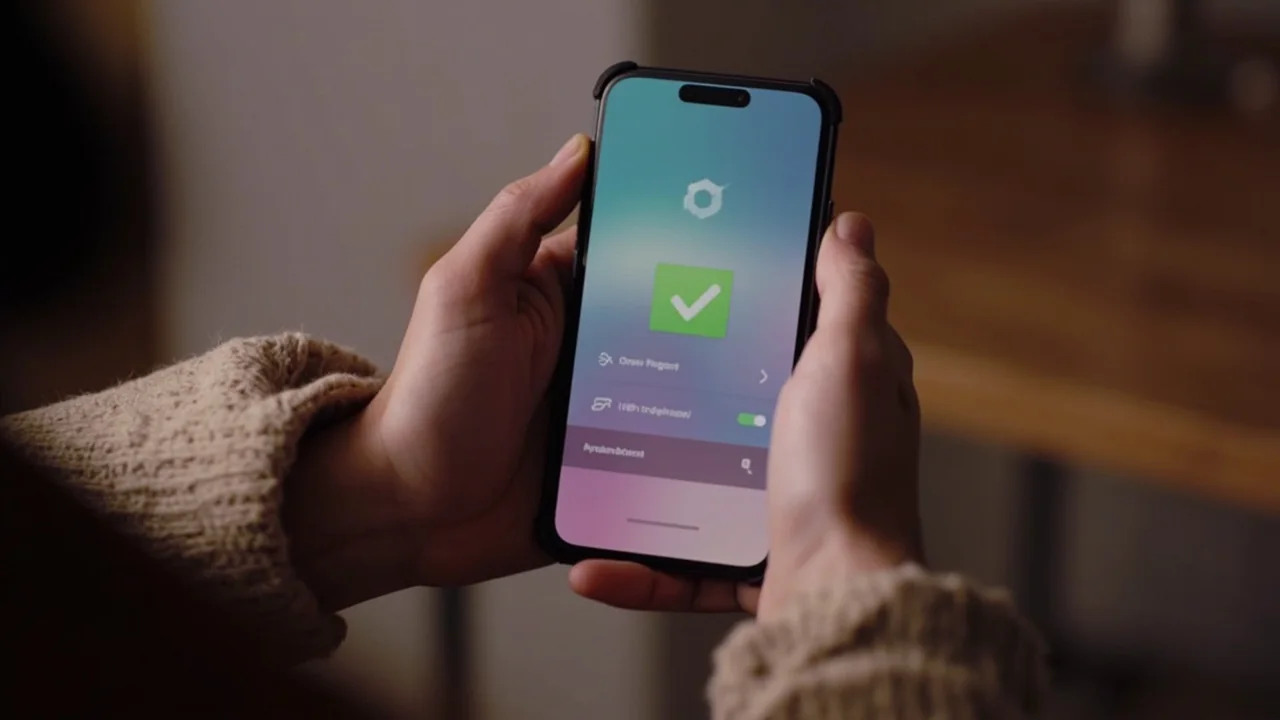
- Upload the identity document. Wait for the green tick.
- Upload the address document. Wait for the green tick.
- Add the payment instrument.
- Trigger a small withdrawal to confirm the round-trip.
- Confirm the funds have arrived in the linked account.
What to do if the withdrawal stalls
If the withdrawal stalls in the queue for more than 48 hours, the most common cause is a verification step that was missed. Re-check the three-step walk-through above. If the queue still stalls, contact the platform's customer-care desk with the withdrawal reference number.